
| Required: | UE4 4.0 or newer |
| Length: | 2h 29m |
| Difficulty: | Beginner |
The Solus Project: Blueprint Introduction is a complete and detailed training video that aims to get you up to speed in Blueprint scripting in Unreal Engine 4.
Starting from the basics, and building upon the free Solus Example project, this beginners video starts off by talking you through creating a door for Solus. First one that is set up in the level, then one that is set up in a separate Blueprint. Following that you will be building a pressure plate to control the door, and following that the video covers how to build a basic item system. Detecting, highlighting, and picking up rocks in the world, and place them on the pressure plate to keep the door open permanently.
The video comes with some of the actual content from Solus. A few dozen of our building and environment meshes, a number of our textures, materials, and particles. Also included are some of our items and sounds, and of course some of our Blueprint setups. Some of the tiling environment textures are from GameTextures.com, and thereby also give you a free sample of the service they offer.

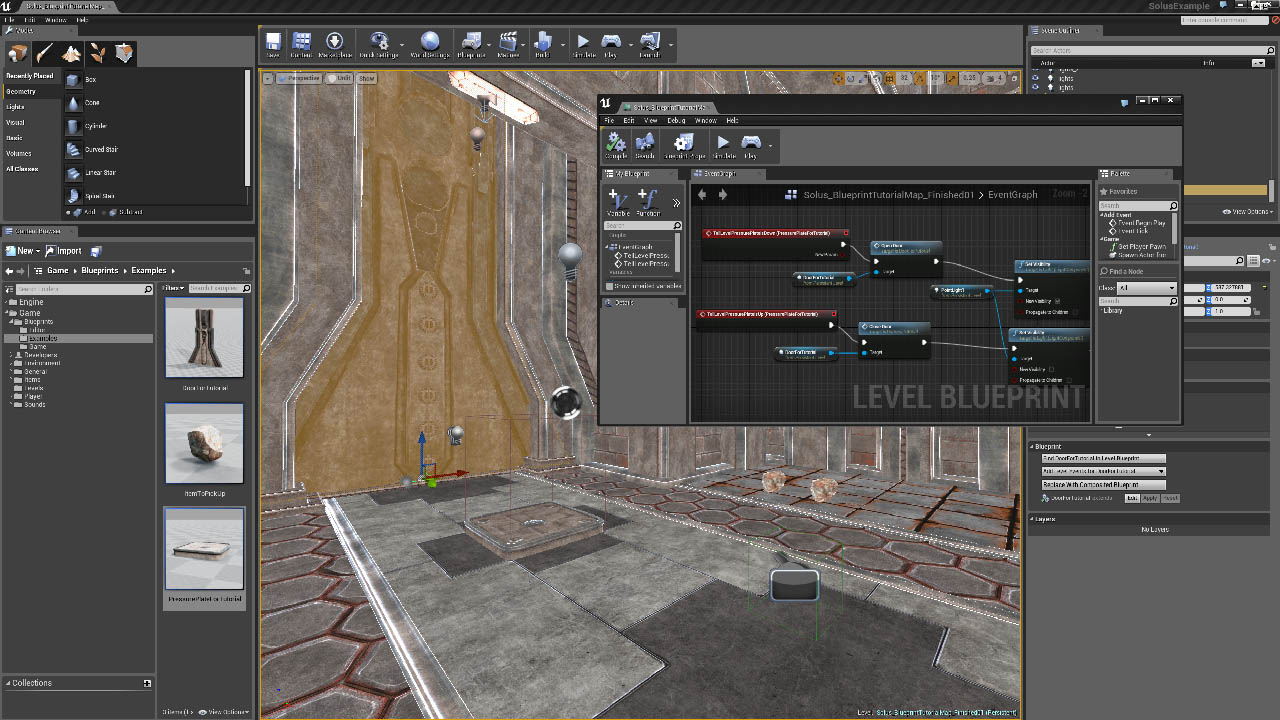

1. Intro – 2.30m
2. Basics – 15.24m
Interface
Visual scripting concept
Key differences compared to Kismet
Print a message
Teleport the player
Toggling lights and particles
3. Your first Blueprint – 17.56m
Animating a door
Timeline introduction
Triggering a door
4. Separating Blueprint out into separate actors – 38.43m
Actor parents
Component Editor
Building of a pressure plate that responds to the player
Letting the pressure plate communicate with the level and open the door using Events
5. Blueprint Beyond Level Scripting – 52.22m
Creating an item that can be carried – Item itself
Letting the player detect and carry the item
Letting the player drop an item
Highlighting the item
7. Wrapping up – 23.01m
Adding in weight to the item
Slowing down the player while carrying the item dependent on the weight of the item
Modifying the pressure plate to detect the weight of the item