
| Required: | UDK October 2012 or newer |
| Length: | 4h 13m |
| Difficulty: | Intermediate |
The Expert Classes: UDK Lighting is a complete and highly detailed training video, that aims to make you production ready in UDK/Unreal Engine 3 lighting. After working in-depth with Unreal lighting for over 14 years, of which six years in Unreal Engine 3, this video contains all I've learned about working with Lighting in Unreal. While the video does not touch on aesthetics topics, it goes into great depths regarding all the different features and properties, and the optimal workflow and organization.
The video starts off with introducing all the various lighting systems and solutions found in UE3/UDK. What are the differences and limitations between the various systems? How does a Light Environment work and what alternatives are there? How to correctly set up Dynamic Lighting and minimize its performance impact? Followed by a practical application of that wisdom by lighting out the example level, covering for one my workflow and approach.
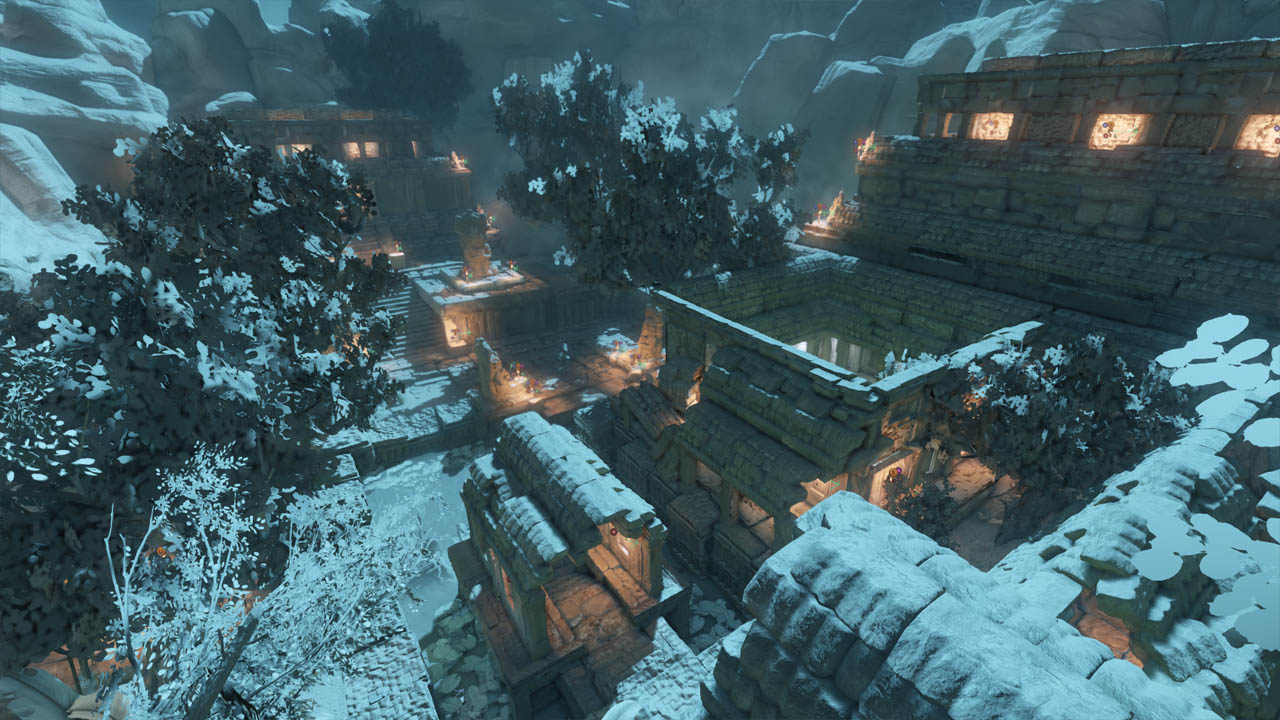
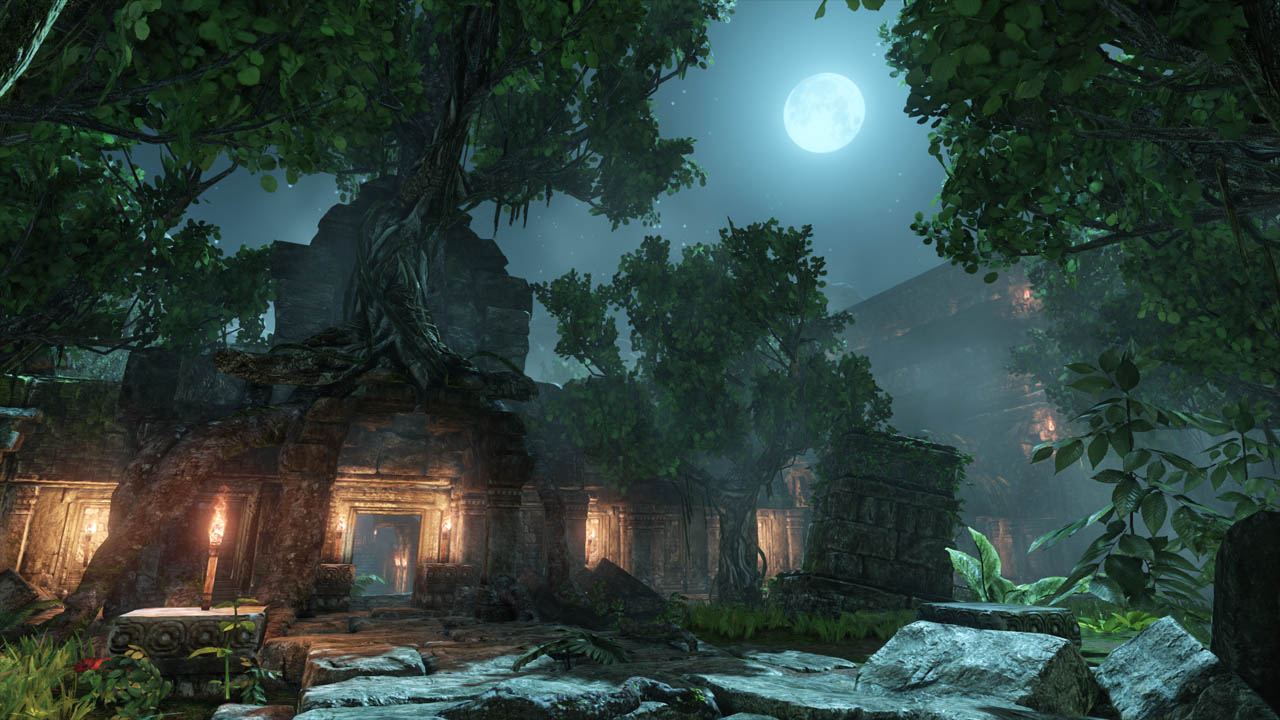
Furthermore unique to this video is that I do not just explain how to set up Lighting in Unreal, I also use some of the games I've worked on recently as practical examples of how what I explain has been applied to entire games. The video features example from the games The Ball, Unmechanical, and Rekoil. Three different games, three different styles.
The video comes with two levels. The tutorial level, and the assignment level. The tutorial level is used in the video to explain all the different properties and techniques, where as the Assignment level allows you to repeat the lessons learned in an all new environment.


1. Intro – 5.21m
2. Basic Lighting – 14.41m
Pointlights
Directional Lights
Skylights
Environment Lights
3. Lighting Rendering – 14.13m
Lightmapping
How it works
Pros and cons
Vertex Light
How it works
Pros and cons
Dynamic Light
How it works
Pros and cons
4. Lightmass Explored – 34.11m
Lightmass Importance Volume
Light actor Lightmass Settings
Emissive Materials
Basic Rebuild Settings
A quick look at Advanced Rebuild Settings
Improving Rebuild Times and keeping the overview
5. Lighting Channels – 10.29m
How they work
6. Dynamic Lighting – 42.08m
Setting Up Basic Dynamic Lighting
Dynamic Shadows
Dominant Light Actors and Distant Field Shadows
Regular Light Actors
Optimizing and Performance
Lighting Complexity View
Dynamic Object Lighting within Static Environments
Understanding DLE on Dynamic Objects
Dynamic Object Lighting without Light Environments
Baking Lighting on Dynamic Objects
7. Applied – Basic Setup – 6.41m
Atmospherical and Sun Lighting
Dynamic Object Lighting
8. Lightshafts and Lensflares – 12.30m
Setting up Lightshafts
Quick Lensflare and sun creation walkthrough
9. Light Functions – 18.08m
Changing color and brightness via a Function
Broken Lamp Example
Water Caustics Example
10. Animating Lighting Values – 16.25m
Quick Matinee introduction
Matinee Animation of color, brightness, radius
11. Various Settings – 6.53m
12. Workflow – 33.52m
Order of things and Basic Structure I always stick to
Texturing Foundation
Lighting Out The Level Entirely and My Approach
Light Organization
Tagging and by-property Selection Workflow
Archetype Based Lighting Workflow
Streamed Level Workflow
13. Real Life Examples – 38.21m
A look at Unmechanical Lighting
A look at Rekoil Lighting
A look at The Ball Lighting
Impact of Post Processing
A look at the assignment